
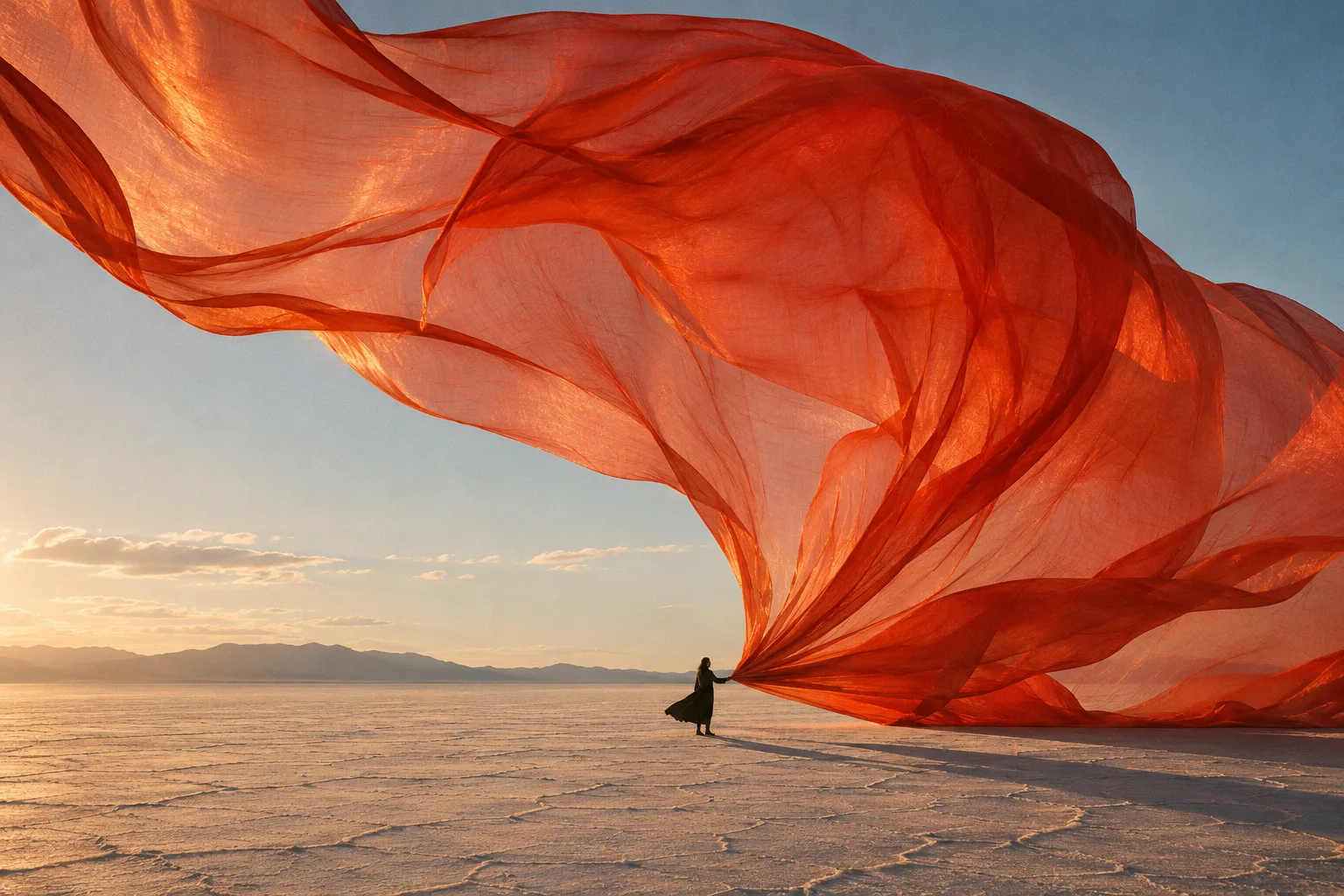
Turn an idea into a video.
Create AI videos, images and motion graphics from a prompt or a photo.
Studio tools
Three ways to make something, in one studio and one credit balance.
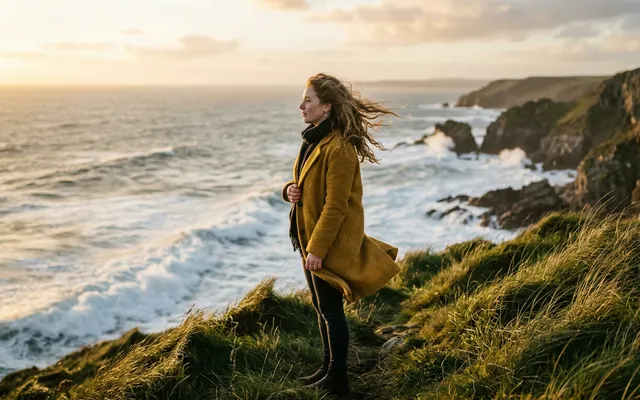
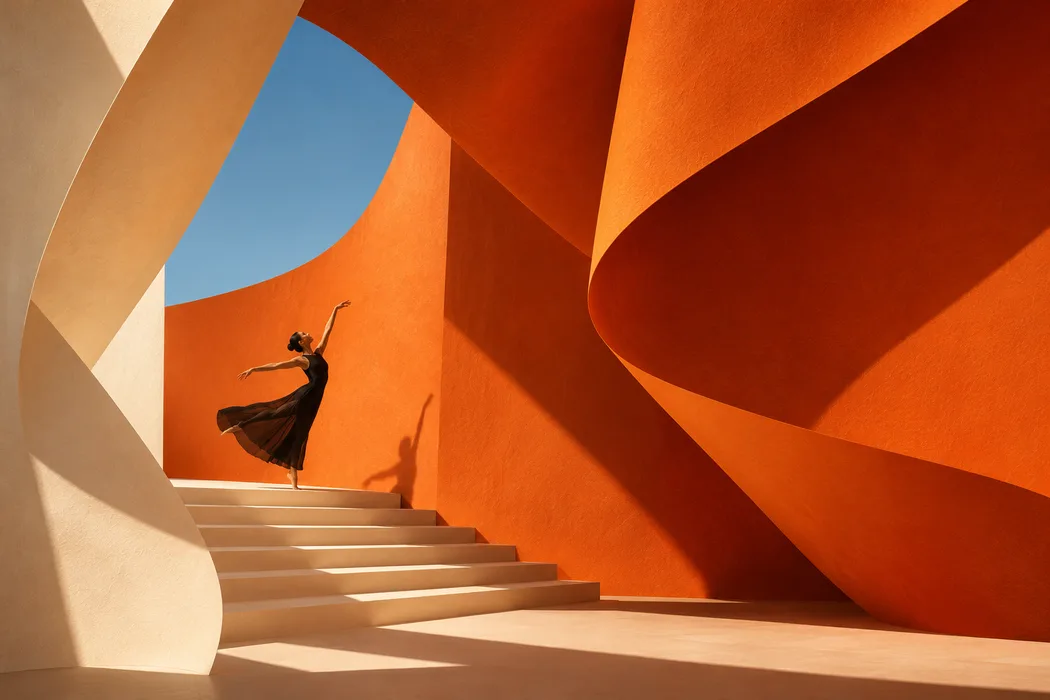
See what each skill makes
Each skill knows its craft: pacing, layout, type and signature moves. Open one to watch an example and start from its request.
See all 31 skills →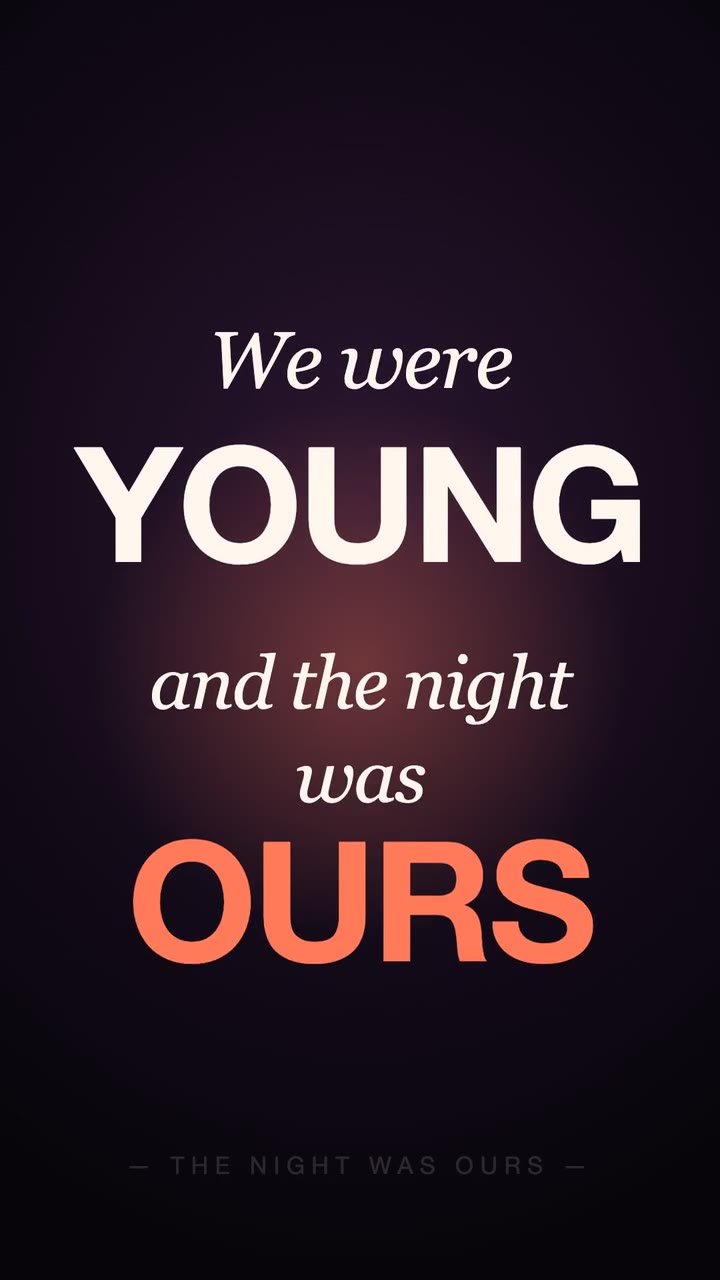 Kinetic TypeLyric video: “We were young and the night was ours”
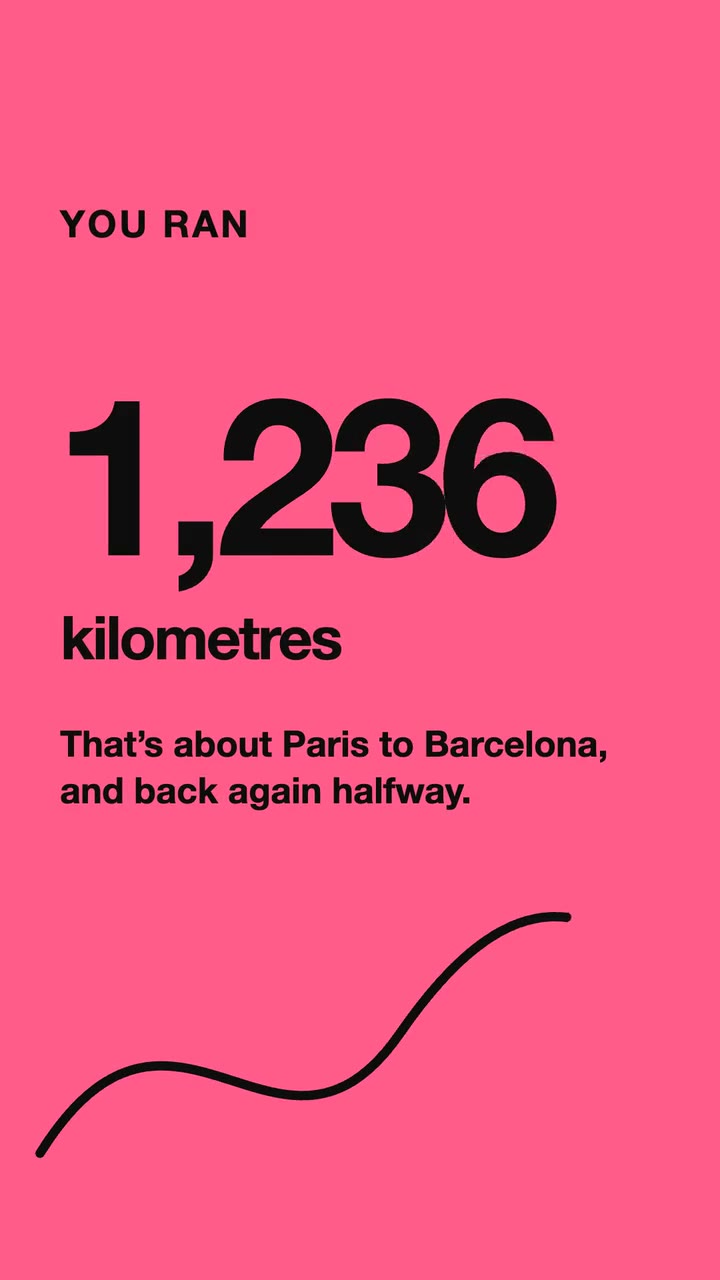 Year WrappedMy 2026 running: 1,240 km, 182 runs, longest 32 km
 Logo RevealReveal my logo with the tagline “Fresh every day”
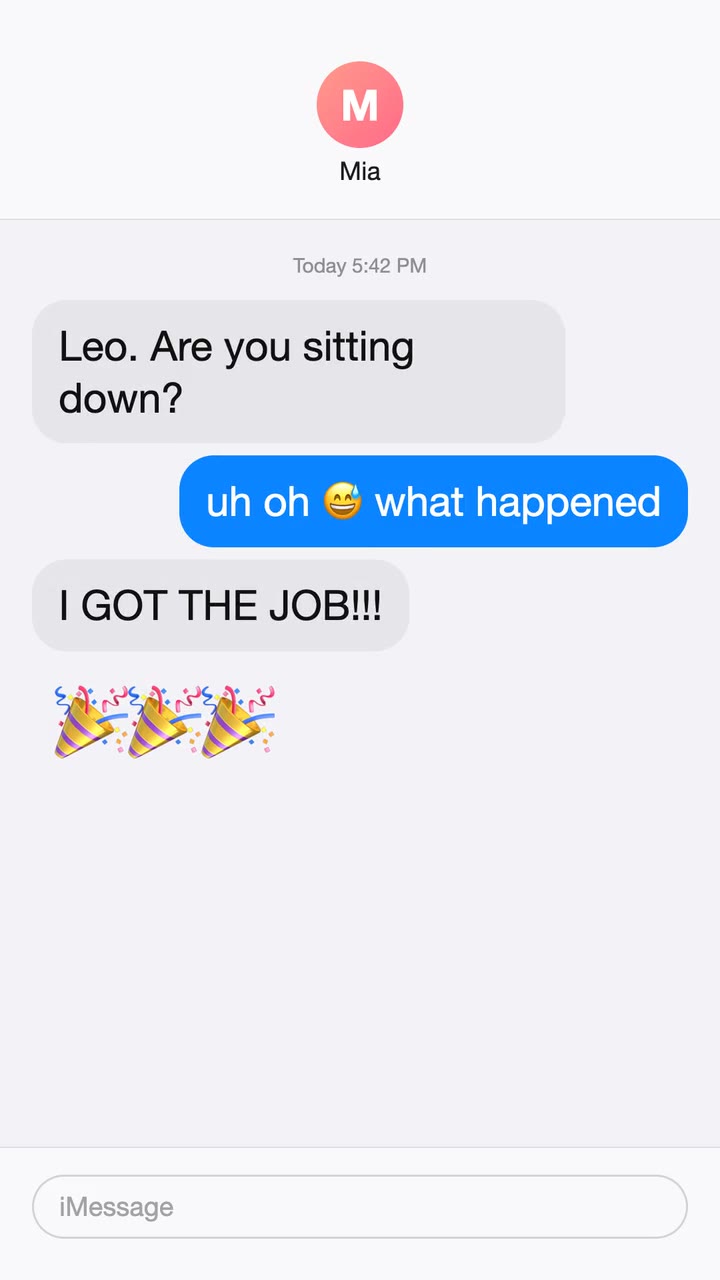 Text StoryMia texts Leo that she got the job
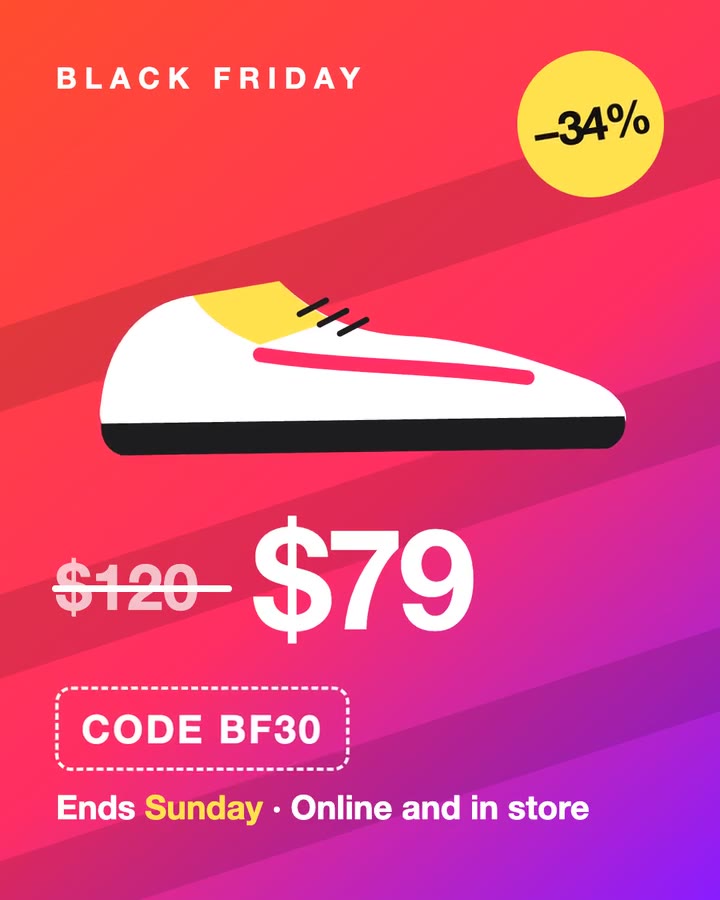 Sale PromoSneakers from $120 to $79, code BF30, ends Sunday
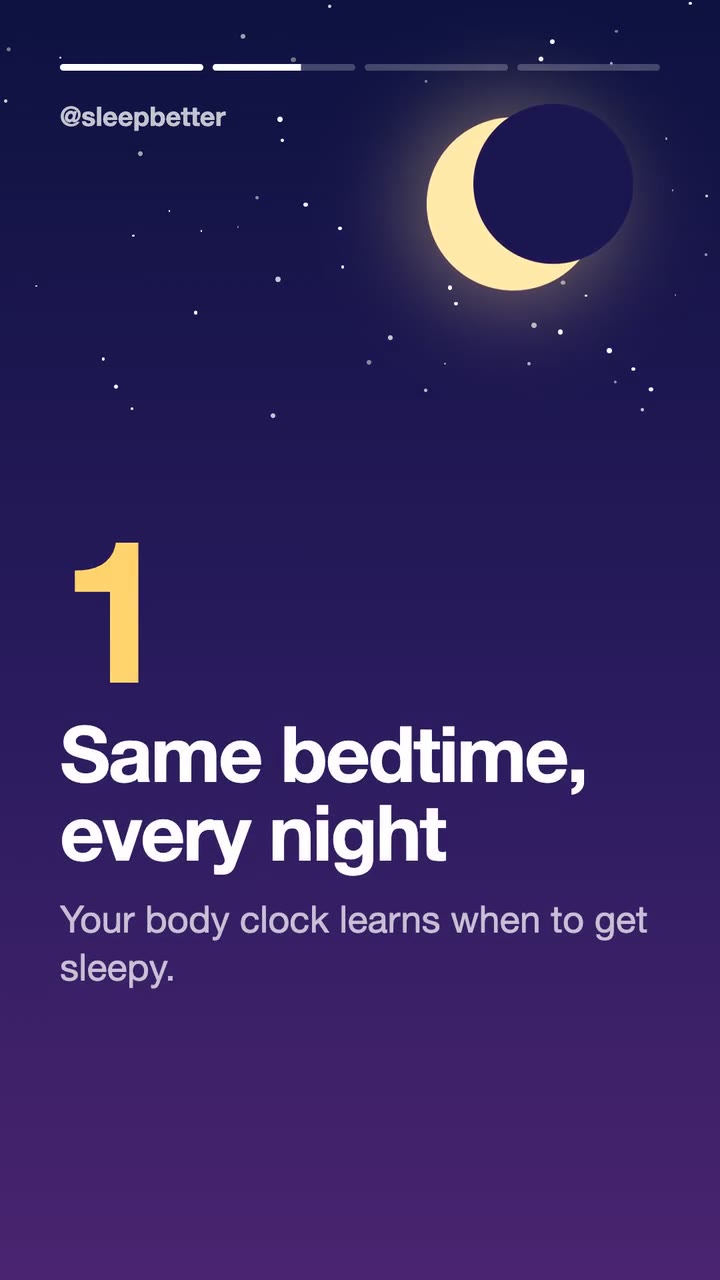 TikTok / Reels3 tips to fall asleep faster
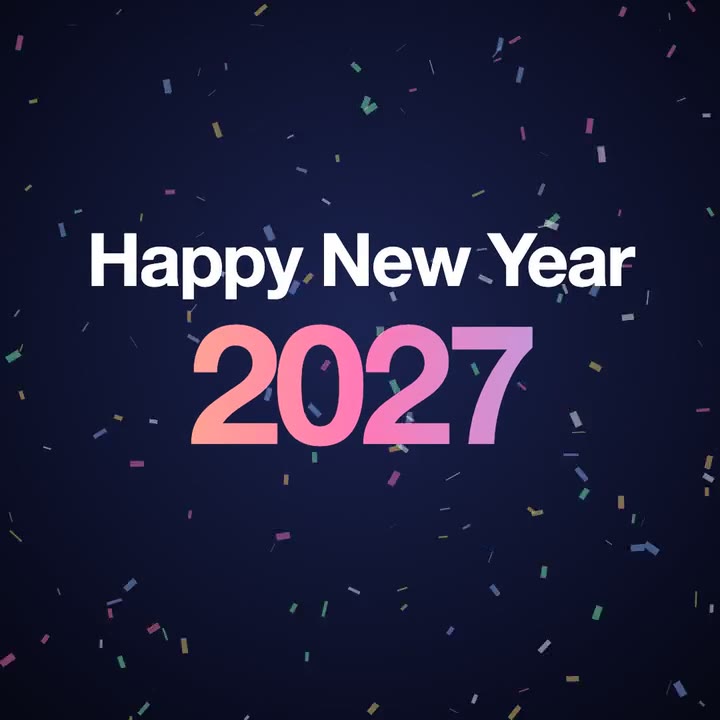 Countdown10-second countdown to New Year 2027
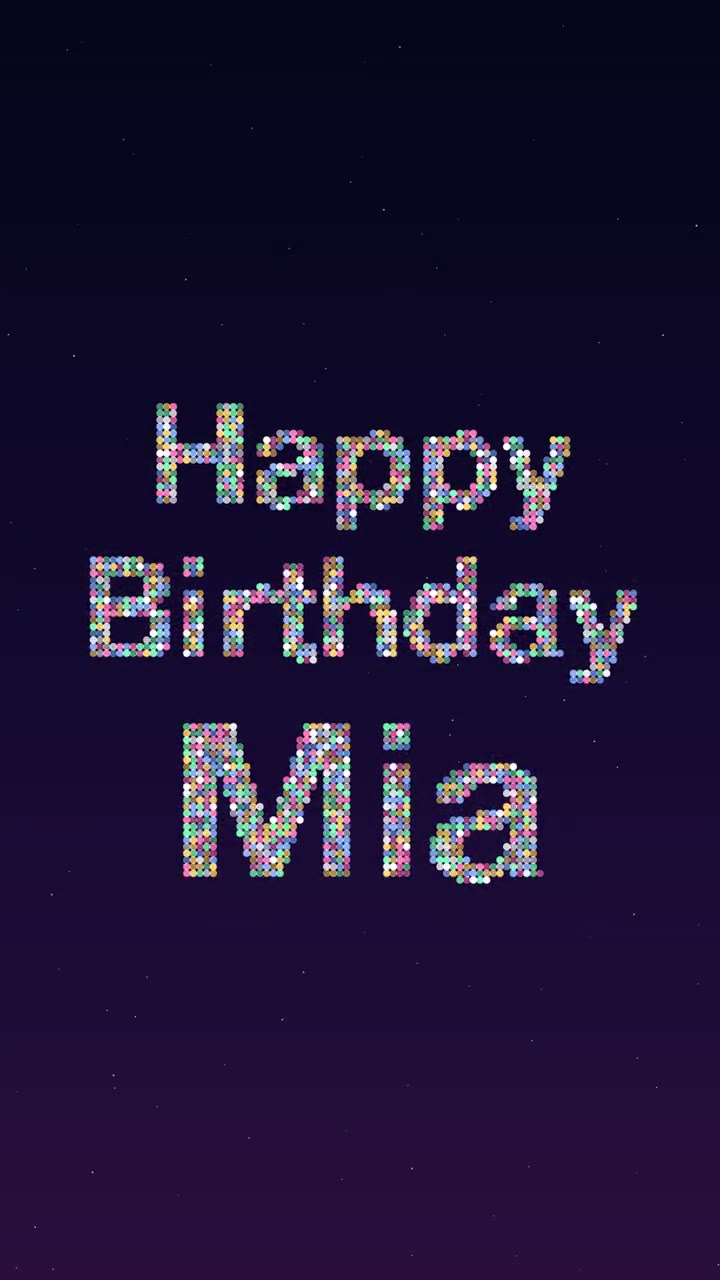 ParticlesFireworks that burst into the words Happy Birthday Mia
How it works
- 1
Describe it
Write what you want, or add a photo. Pick a model, or a skill for motion graphics.
- 2
Generate
The price in credits shows before you start. Results appear in your history.
- 3
Refine and export
Change a motion video by chat, try another model, then download it.
Your next video starts with a sentence.
Tools, models and common questions
AI videos and images, in your browser
Make motion videos from a prompt: an AI model writes promos, kinetic type, animated charts and explainers as code, you refine them by chat and export a 1080p MP4. MooseAI also puts 47 AI video models and 25 AI image models in one studio. Describe a scene or add a photo, choose a model, and generate. Then animate an image, edit a video with words, or upscale to 4K.
Tools
- Code to video: AI motion videos, written as code
- AI motion graphics generator
- Text to video AI generator
- Image to video AI: animate a photo
- AI image generator
- AI GIF maker: animated GIFs from text or a photo
- AI SVG generator: vector icons, logos and illustrations
- AI video upscaler: up to 4K at 60 fps
- AI image upscaler: up to 128 megapixels
- AI video editor: change a video with a prompt
Popular video models
VEO 3.1 · Kling 4.0 · Seedance 2.0 · MiniMax H3 · Wan 3.0 · Runway Gen 4.5 · all 47
Popular image models
Nano Banana Pro · GPT Image 2.6 · Seedream V5 · FLUX 3 · Qwen Image 2.1 Pro · Recraft V3 · all 25
Questions
- What is MooseAI?
- MooseAI is an AI video and image generator in your browser. It puts 47 AI video models and 25 AI image models in one studio, with one account and one credit balance, so you can use Veo, Kling, Seedance, Nano Banana, GPT Image and more without a subscription to each.
- What are motion videos?
- Videos an AI model writes as code (HTML, CSS and JavaScript animation): promos, ads, kinetic typography, charts, explainers, logo reveals and captions. Text stays sharp and numbers exact; you change them by chatting and export a 1080p MP4. See code to video.
- How much does MooseAI cost?
- Each video or image uses credits, and the studio shows how many before you generate. Credits come from a subscription or a one-time pack, and never expire.
- Can I use what I make commercially?
- Yes. As far as the law allows, you may use the videos and images made for you for any lawful purpose, including commercial use, as the Terms say.
- Is there an app?
- Yes, Gen AI Video Generator for iPhone. The website and the iPhone app have separate accounts and credits.